Microsoft 365 E3 Subscription Key – 1-Year Subscription for Business Productivity & Security
Microsoft 365 E3 is a powerful all-in-one productivity and security solution designed for modern businesses, remote teams, and enterprise environments. With a 1-year subscription key, organizations gain access to the latest Microsoft Office apps, cloud services, enterprise-grade security, and advanced IT management tools — optimized for collaboration, compliance, and scalability.
Whether you're managing a startup or overseeing a large organization, Microsoft 365 E3 empowers your workforce with professional tools to create, communicate, and protect data — across multiple devices and platforms.
Key Features of Microsoft 365 E3:
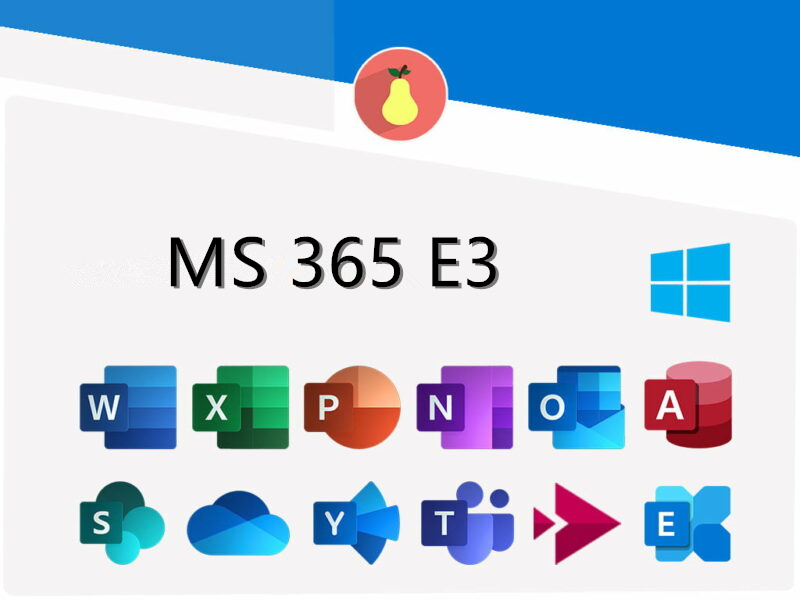
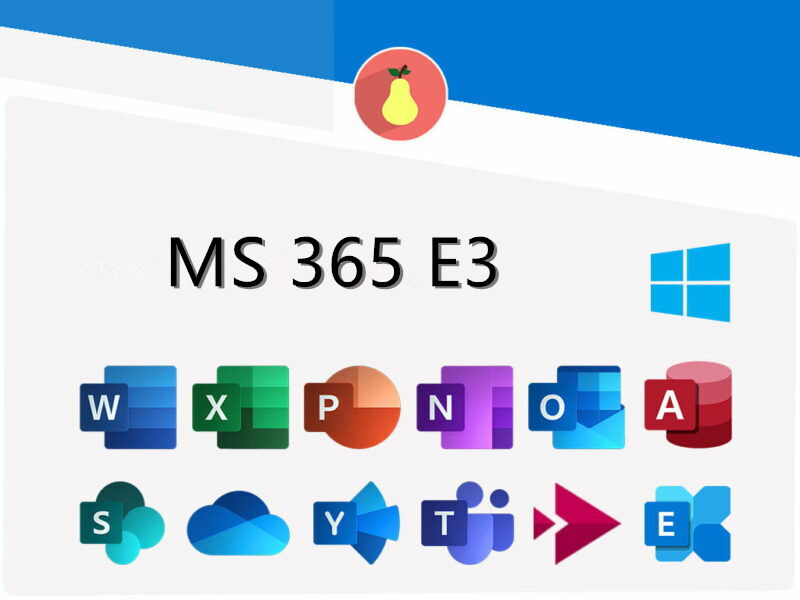
✔ Premium Office Applications: Always up-to-date versions of Microsoft Word, Excel, PowerPoint, Outlook, OneNote, Publisher (PC only), and Access (PC only). Accessible via desktop, browser, and mobile apps.
✔ Business-Class Email and Calendars: Each user gets a 100GB mailbox via Microsoft Exchange and access to advanced calendaring tools for team scheduling and organization.
✔ 1TB OneDrive for Business Cloud Storage: Every user receives secure, cloud-based storage with file versioning, sharing controls, and anytime access from any device.
✔ Enterprise-Level Security: Microsoft 365 E3 includes Microsoft Purview Information Protection, Data Loss Prevention (DLP), Conditional Access, and Microsoft Defender to help safeguard business data and reduce risk.
✔ Device and App Management: Use Microsoft Intune and Azure Active Directory to manage users, assign permissions, secure devices, and deploy apps from a central admin console.
✔ Supports Multi-Device Use: Each user can install Office apps on up to 5 PCs or Macs, 5 tablets, and 5 smartphones — ensuring seamless productivity across platforms.
✔ Scalable Plan Options: Available as a 1-year subscription key for either 5 users or 100 users, perfect for growing teams or full-scale enterprises.
✔ Automatic Updates & Cloud-Driven Innovation: Get continuous improvements, new features, and security enhancements — with no additional cost or manual installs.
Internet access is required for activation, cloud storage, and ongoing updates.
Who Should Use Microsoft 365 E3?
This subscription is ideal for:
- Small-to-large businesses needing secure collaboration tools and device management
- Organizations with remote or hybrid teams
- IT administrators looking for centralized user, app, and device control
- Companies with compliance or data protection requirements
How to Download Microsoft 365 E3
- Go to www.setup.office.com.
- Sign in with your Microsoft account (use a work or school account if assigned by your organization).
- Enter your 25-character Microsoft 365 E3 subscription key when prompted.
- Follow the on-screen instructions to link the key to your account and assign users (if needed).
- Once redeemed, select the appropriate version (32-bit or 64-bit) and click “Install” to download the Office installer.
Save the installer file in an accessible location. You’re now ready to set up Microsoft 365 E3 on your device.
How to Install Microsoft 365 E3
To install Microsoft 365 E3 on your PC or Mac:
- Open the downloaded installer file.
- Click “Yes” when prompted by User Account Control (on Windows).
- Office apps will install automatically. The process may take several minutes depending on your connection and device speed.
- When complete, click “Close” and launch any Office app such as Word or Excel.
How to Activate Microsoft 365 E3
Follow these steps to activate your Microsoft 365 E3 subscription:
- Open any Office application (e.g., Word, Excel).
- Sign in using the Microsoft account associated with your redeemed subscription key.
- Office will validate your subscription and activate the suite automatically.
If activation doesn’t start automatically, go to File > Account > Activate Product and sign in with the linked account.
For multi-user deployments, you can assign licenses through the Microsoft 365 admin center at admin.microsoft.com.
System Requirements for Microsoft 365 E3
- Operating System: Windows 11, Windows 10 SAC, Windows Server 2019 or later (for desktop apps); macOS Ventura, Monterey, Big Sur (latest three versions); iOS 15.0 or later; Android 8.0 or later
- Processor: 1.6 GHz or faster, 2-core processor (PC); Intel or Apple Silicon processor (Mac)
- RAM: 4 GB RAM (PC); 4 GB RAM (Mac)
- Disk Space: At least 4 GB of available disk space (PC); 10 GB (Mac)
- Display: 1280 x 768 resolution (PC); 1280 x 800 (Mac)
- Browser: Current version of Microsoft Edge, Safari, Chrome, or Firefox
- Internet Connection: Required for subscription activation, OneDrive, updates, and cloud services
- Additional Requirements: Microsoft account, Azure Active Directory (for enterprise features), and access to the internet



 귀하의 메시지는 20-3,000 자 사이 여야합니다!